WhatsMyRep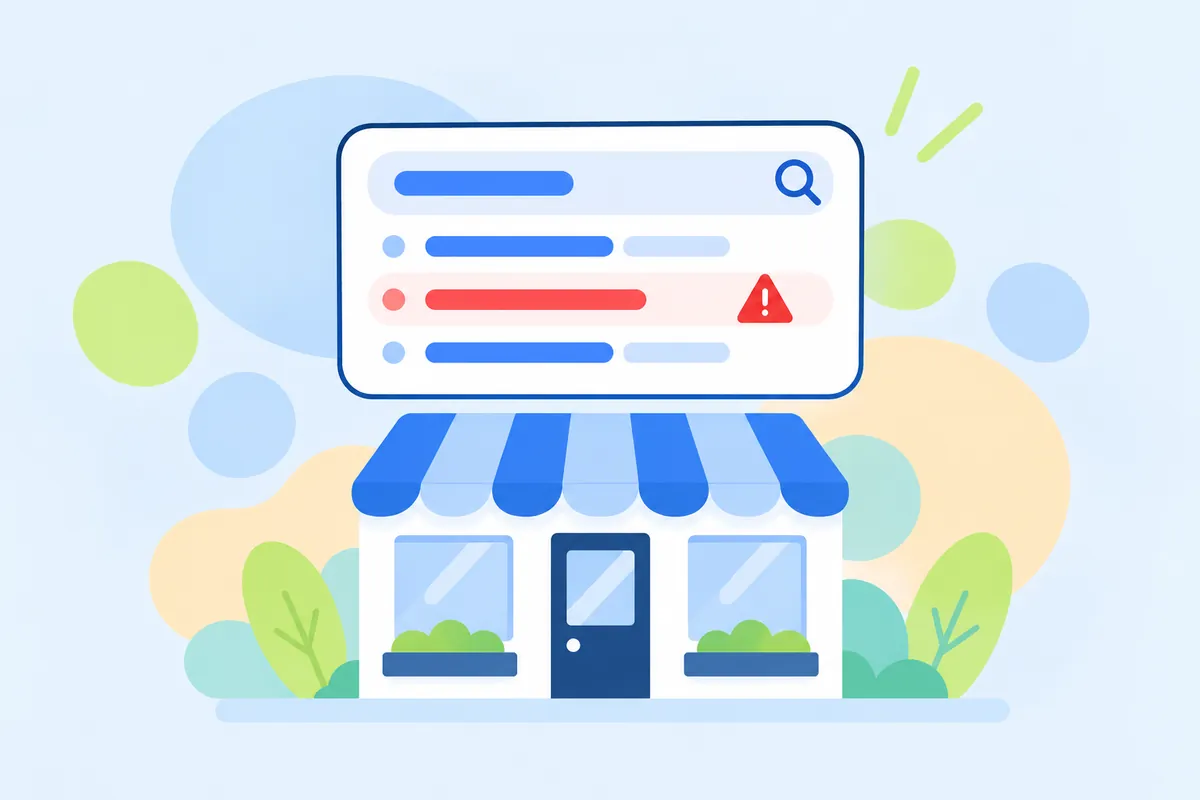
On this page
Few things feel worse for an honest owner than seeing “scam” next to the name of the business they built. The first reaction is usually to look for someone to blame and a button to make it go away. There is rarely a button. There is almost always a cause you can work on.
The first job is to work out where exactly the word appears, because each place has a different cause and a different fix.
Three places the word can appear
| Where | What it usually means | Main fix |
|---|---|---|
| In the suggestions as people type your name | Enough people search “your name scam”; often just careful buyers | Look at the results behind it; fix the cause |
| In a result title, such as “Is X a scam?” | A page about you, sometimes a complaint, sometimes a generic “scam check” site | Read it; answer, correct or report it |
| In the AI Overview or an AI assistant’s answer | The model found complaints or a namesake and summarised them | Find the sources it cites and work on those |
Check all three from a private window, in the country where your customers are. Your own signed-in view is shaped by your history.
Find the cause
Search your name scam, your name complaints and is your name legit, and open every result on the first page that mentions you. Most cases fall into one of these:
- Nothing is there. The results are your own site, review pages with decent ratings and generic articles. The suggestion comes from careful buyers checking you. Unpleasant, but low risk.
- A namesake. A company with a similar name in another country, or an actual scam using a similar name. Buyers do not read carefully enough to tell the difference.
- An impersonator. A fake site or social profile using your name and logo to take payments or personal details. Your customers get hurt, and they blame you.
- A real complaint. A customer who believes they were cheated: a deposit not returned, a subscription they could not cancel, work paid for and not done.
- A review wave. A burst of 1-star reviews and angry posts, sometimes linked to extortion. See review extortion and review bombing.
Google’s own quality raters are told to treat “credible, convincing reports of fraud and financial wrongdoing” as evidence of an extremely negative reputation, while one rude encounter is not. That is a good way to sort what you find: anything that describes dishonesty with money comes first.
A plan for the first week
Day 1: write it down
Screenshot the suggestion, each result and the AI Overview, with the date. Note positions. If things change, you will want to know from what and when.
Day 2: answer the real complaint
If there is a real customer behind it, contact them privately first and try to put it right. Then reply publicly where the complaint lives: short, factual, no argument. “We refunded this order on 3 October; if anyone else has an open issue, write to...” A future buyer reads the reply, not just the complaint.
Day 3: separate yourself from a namesake
Add a plain sentence to your About or FAQ page: “We are [your name], based in [city], founded in [year]. We are not connected with [similar name].” Make your Business Profile and main listings consistent. AI assistants and buyers both use these signals to tell businesses apart.
Day 4: report impersonators
If a site imitates yours to collect people’s details, Google’s Search Central help asks you to “report the page to the Google Safe Browsing team” through its phishing form. Report it to the hosting company and the domain registrar as well, and warn customers on your own site and social profiles.
Day 5: report what breaks the rules
Fake reviews go through the platform’s report tools. A suggestion that breaks Google’s autocomplete policy can be reported from the search box: on a computer with the “Report inappropriate predictions” link under the predictions, on a phone by touching and holding the prediction and choosing Report this. Google says it “might not remove the prediction”, so do this, but do not rely on it.
Days 6-7: give careful buyers a good answer
People who search “scam” or “legit” want reassurance. Make it easy to find: a real address, clear refund and cancellation terms, how to contact you, recent genuine reviews. Ask recent happy customers for an honest review, without offering anything in return.
If someone is using your name to scam people
Impersonation deserves its own section, because the harm runs both ways. Customers lose money, and they remember your name, not the fraudster’s. Typical forms are a copy of your website on a similar domain, a fake social profile that takes orders or bookings, or emails and texts that use your logo to ask for payment.
- Collect examples. URLs, screenshots, the messages customers forward to you, with dates.
- Report the site. Google’s help for site owners points to the Safe Browsing phishing form for “a page designed to look like another page in an attempt to steal users’ personal information”. Report to the hosting company and the domain registrar too; their contact for abuse is usually on their website.
- Report fake profiles to the social network that hosts them, using its impersonation report.
- Tell your customers. A short notice on your homepage and your real social profiles: which domain and which accounts are yours, and that you will never ask for payment in another way.
A plain notice about impersonation is different from a defensive “we are not a scam” page. It gives customers a fact they can act on: this is our domain, these are our accounts, this is how we take payment.
What not to do
- Do not pay for “suggestion removal”. Services that promise it by generating fake searches try to fake the signal Google uses; Google lists spam among the reasons it removes predictions.
- Do not threaten complainers. In the US the FTC’s rule on consumer reviews treats groundless legal threats used to suppress reviews as a violation.
- Do not publish a page titled “Is [your name] a scam? No!” It rarely convinces anyone, and it adds one more page that puts your name next to the word.
After the first week
Suggestions follow searches, so they change as the reason people search changes. Results change as pages are answered, corrected or replaced by newer ones. Check weekly for a month, then monthly. Our negative Google autocomplete monitoring checks Google and Bing suggestions every day in your country and sends an alert for every new negative one; the longer guide on autocomplete explains Google’s policy in detail.
Sources
- How Google autocomplete predictions work (autocomplete policies)support.google.comChecked 6 October 2026
- Manage Google autocomplete predictionssupport.google.comChecked 6 October 2026
- How Google autocomplete works in Search (Google blog, 20 April 2018)blog.googleChecked 6 October 2026
- Report spam, phishing, or malware (Google Search Central)developers.google.comChecked 6 October 2026
- Search Quality Rater Guidelines, section 3.3.2 (PDF)google.comChecked 6 October 2026
- Consumer Reviews and Testimonials Rule: questions and answers (FTC)ftc.govChecked 6 October 2026
Questions, answered
Does “scam” in the suggestions mean someone accused me?
Not necessarily. Google builds suggestions from real searches, and many people search “name scam” just to check a business before paying. Look at the results behind the suggestion to see whether there is an actual accusation.
Can I get Google to remove the suggestion?
Only if it breaks Google’s autocomplete policies or the law. You can report it from the search box. For an ordinary business with a common search behind it, do not count on removal.
Someone built a fake site using my name. What do I do?
Report it to Google Safe Browsing as phishing if it imitates your site to collect people’s details, warn customers on your own site and social profiles, and report it to the host and the domain registrar.
How long will it take for things to improve?
It depends on the cause. A namesake confusion can ease once your own pages are clear. An unanswered complaint thread can stay for years unless it is answered or corrected. Suggestions follow searches, so they change only as the reason people search changes.